How to monitor internet or network data usage on Windows 10

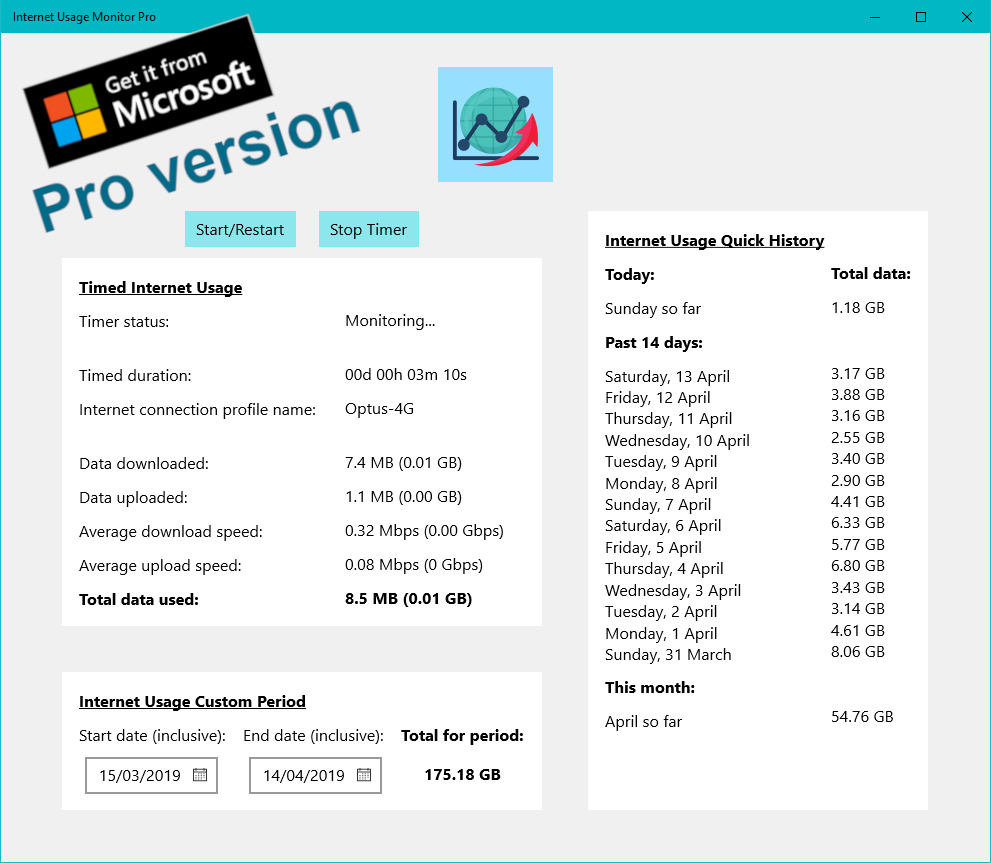
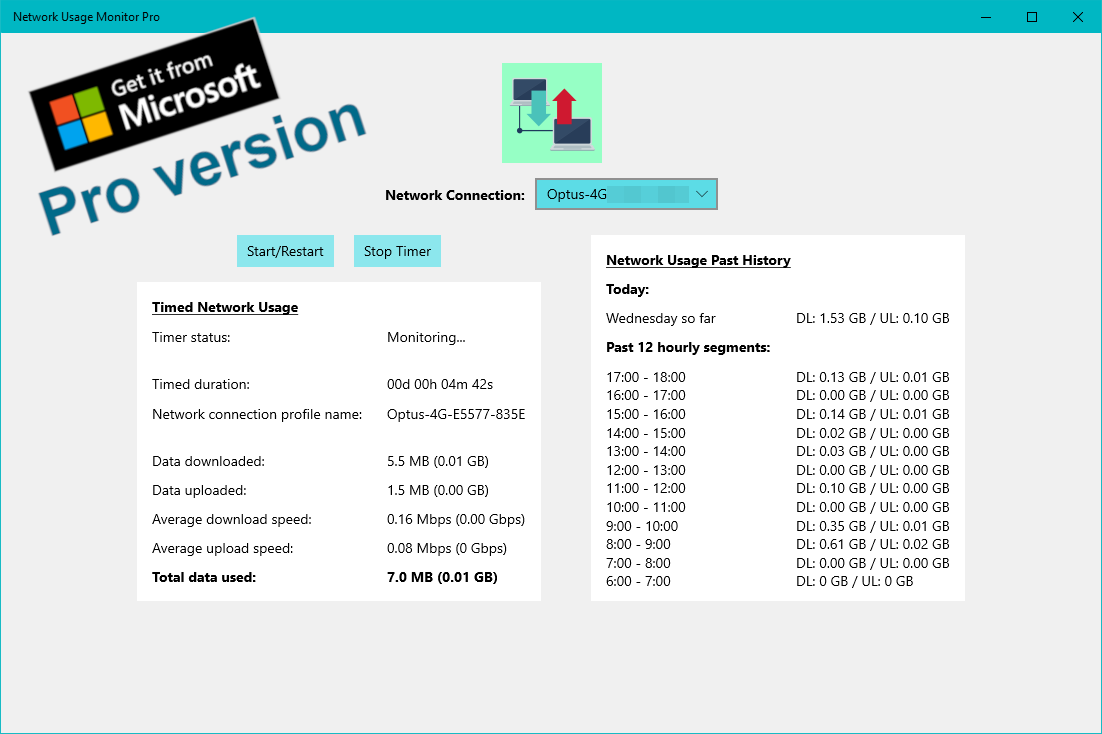
Windows 10 doesn’t have a built-in feature to enable you to monitor your internet or network data usage closely. This is important for people on limited internet data plans, or just the plain curious. I recently found these Windows 10 apps in the official Microsoft Store – Internet Usage Monitor Free/Pro and Network Usage Monitor Free/Pro (there’s four versions of the App, free versions with Ads and paid without). They’re great! and provide lots of data usage information in a quick and simple way (data tables). Here are screenshots and weblinks:

Internet Usage Monitor Free | Internet Usage Monitor Pro
Network Usage Monitor Free | Network Usage Monitor Pro
I hope this blog post is helpful to you! Cheers
Dealing with RSI from computer usage

Recently, I was having issues with repetitive strain injury (RSI) hurting various regions of my hands/wrist from using my Windows 10 computer too much. I won’t go into all the various regions of my hands that hurt, but instead thought it would be helpful to write a first blog post about my exploration of remedies.

Latest software:

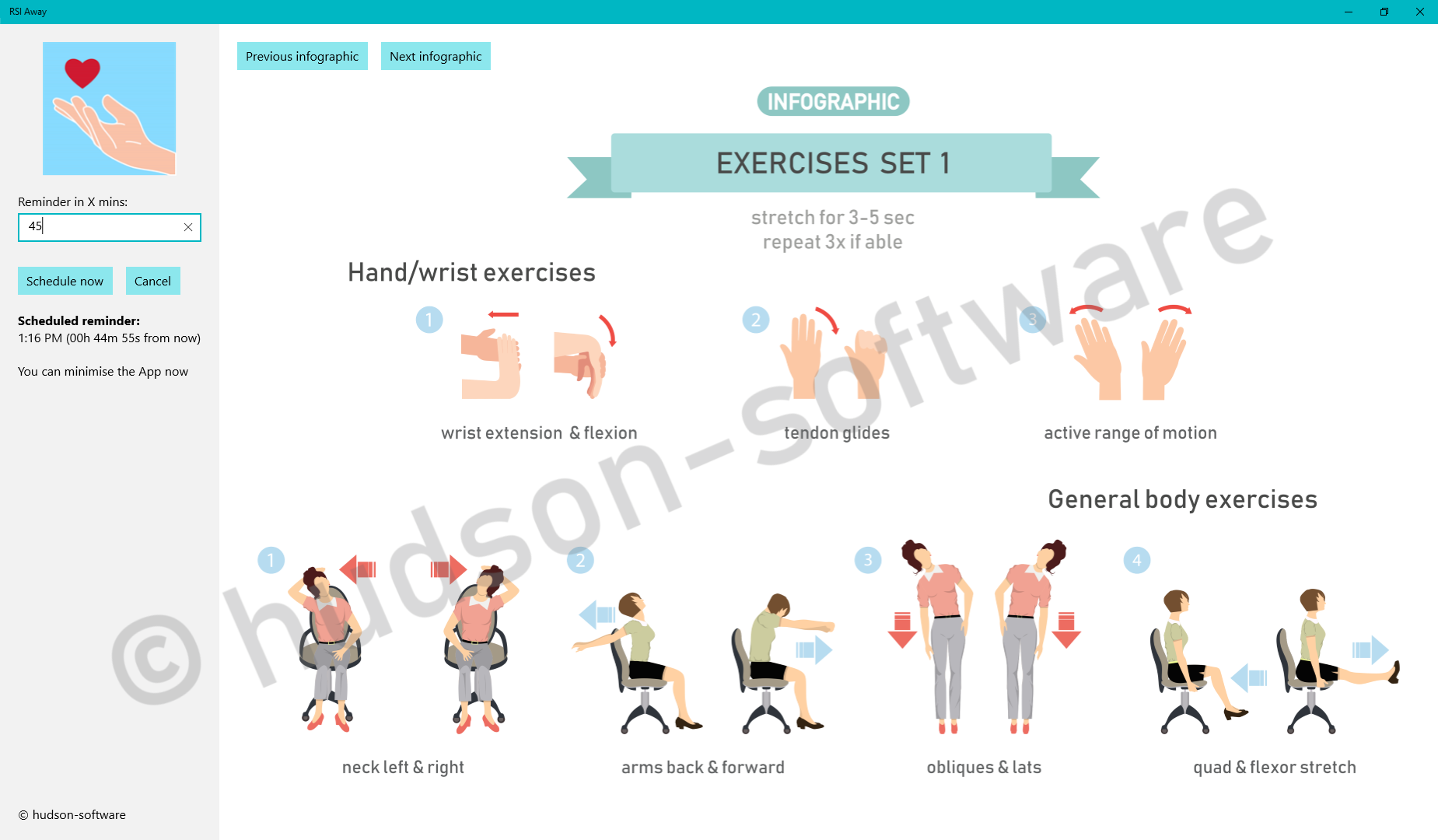
I found this new App in the official Windows 10 Microsoft Store that reminds you to take breaks from using the computer and gives you exercises to do – No Pain (RSI Away). There is a free version with Ads and a paid version without. It’s great! Here’s a screenshot:

Better mouse:

This mouse design worked well for putting my fingers/hand into a more rested state when using my mouse (you hold it naturally like a pencil) – Swiftpoint GT. It’s pricey but worth it. Here’s a picture:

Seating position & posture:

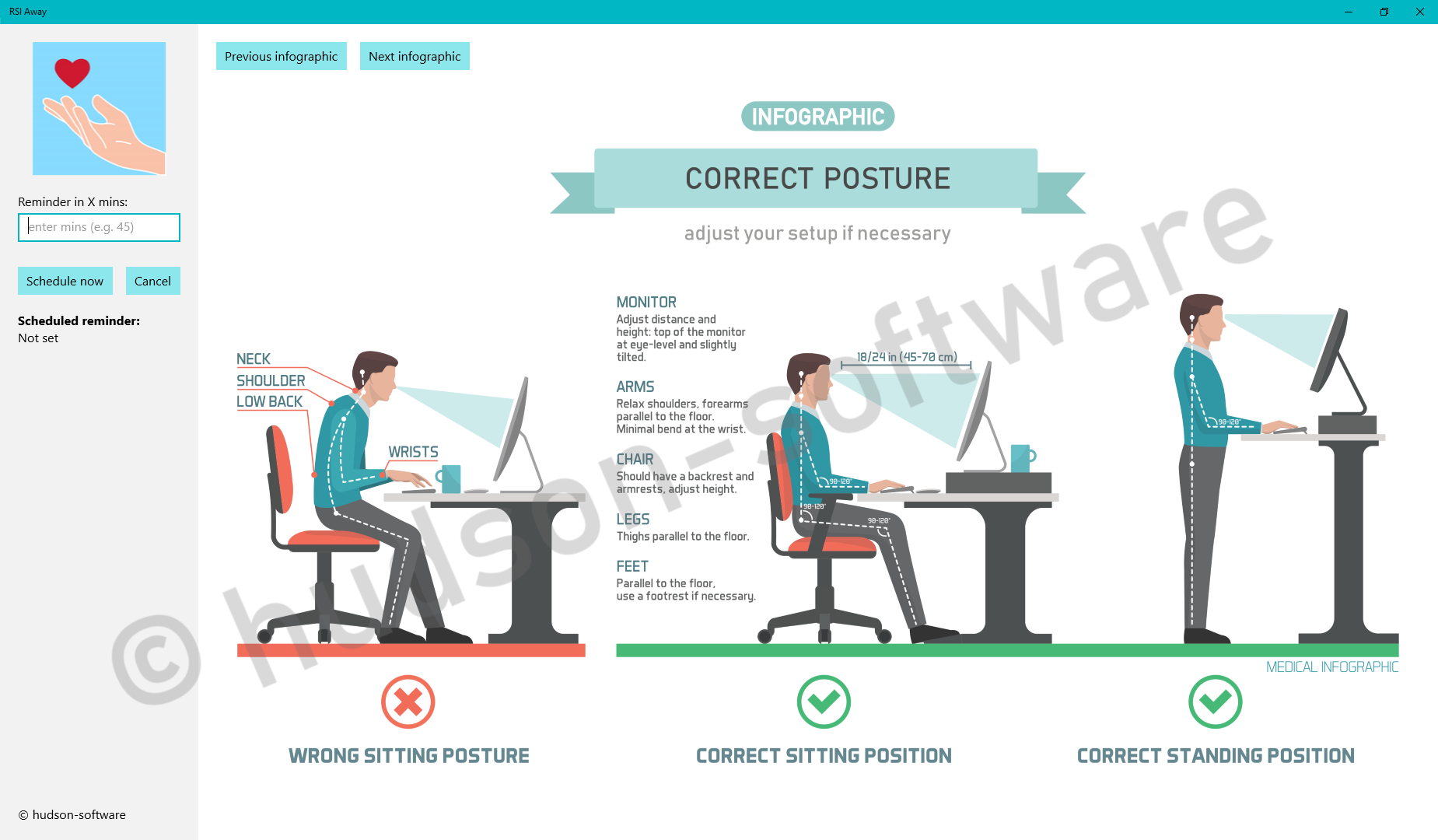
The No Pain (RSI Away) app showed me how to better setup my desk and sit at it. Here’s one infographic from the App:

I also bought a cheap and modular ergonomic desk to setup my computer on. I left the wheels off. Here’s a picture:

I hope this information helps you!

Cheers